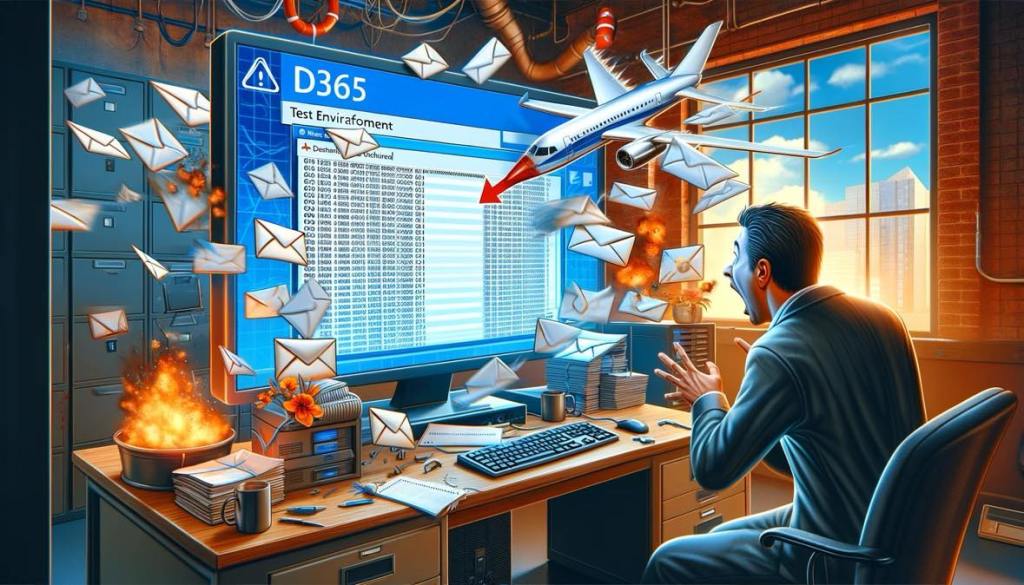
It’s 7:34 a.m. You’re about to bring your organisation into the modern day with dual, real-time email/SMS notifications to your customers once you’ve shipped their trinkets.
The testing has been going great and deployment is Friday. You’re up earlier than normal when you get an annoying message marked “IMPORTANT!” from the contact centre manager Shelly. Uh-oh.
The contact centre just got a call from an older customer from Toorak who has received an email with weird characters and numbers in it and the first word being “TEST”.
Your heart rate skyrockets and your palms start to sweat as you log in to the system. You see 4,221 green, successful runs of a Power Automate cloud flow which creates and sends emails. You go to the entity and see what you didn’t want to look at since you already knew what had happened as soon as you saw the message.
You’ve just sent out almost 5,000 test messages to real life customers. You book your ticket to Chile and crack open a Monster. It’s going to be a long day!
You do not want this scenario to be real.
It’s 2024 in Australia. There are no excuses for accidental communications from your test environment to customers or to staff who are not expecting them.
And let’s be real – if you can’t stop a rogue email or SMS going out you have no real control over your environment and there is no way you can expect your customers to have any faith in you to look after their personal information.
Here’s what you (yes, you) need to do right now:
- Invest the time to review all of your plugins, Power Automate cloud flows, Logic Apps, and whatever else you’re running and write a list of what processes you have that communicate with the world outside your CRM. Do you have any email actions, Outlook connectors, HTTP calls, …?
- Put environment checks in all of your processes – if the environment is not equal to Prod, redirect the email or do not send it
- Be absolutely certain you know how environment variables actually work in D365 and that you have configured them properly
- Mask contact details in your test environments
- Disable the email server profile unless you a) have other safeguards in place and b) actually need to test emails from your test environment
- (Optional) Register a plugin on create/update on the email entity to redirect emails from your test environment to a specific testing email, or to cancel them altogether
- Assume that any one of the above safeguards could fail so actually implement as many as possible
This stuff must become BAU and you should do it right now. But – it is especially important you seal up your environment:
- Before your Production system goes live
- Before copying any environments
- Around deployment time
- Around the time you are rolling out new ways to test your system
The organisations we work for trust us a lot in the IT world (sometimes too much) and they expect us to act like professionals. Professionals assume things will go wrong and develop a solid plan to prevent them from happening. And remember – if a user can do something, they will.
If you have got to the bottom of this email and still not sealed up your test environments:
- Take 43 seconds to schedule an email to someone in your team who can. Include this article and a pep talk, or
- Forward this article about the bungle at the Queensland Tertiary Admissions Centre to your boss and ask for some resources to make sure he or she isn’t the one having to answer these questions
- If you’re the go-to, get a Sharpie and a post-it. Write “no test email breaches” and put it in an annoying place. Do not remove it until you’ve actually secured your environment properly.
 Solution Sergeant
Leave a comment