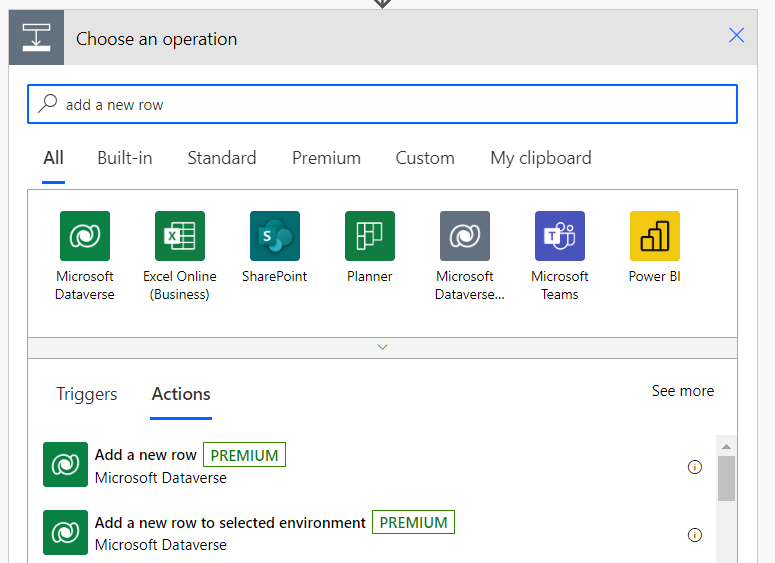
Scenario: You are using a Power Automate Add a new row action in a Cloud Flow and you want to set the value of a lookup field (i.e. a field in this table which points to a record in another table).
Example: You have two tables: ssgt_booking and ssgt_room. You create a cloud flow so that when a booking is received some processing happens and if it is successful, a confirmed booking is created. You want to set the Room value on the Booking record so that they’re linked and so that you can click on the Room from the booking and see information about it.
To do this, you need to enter the table name, and then pass a GUID. You can do this in two ways:
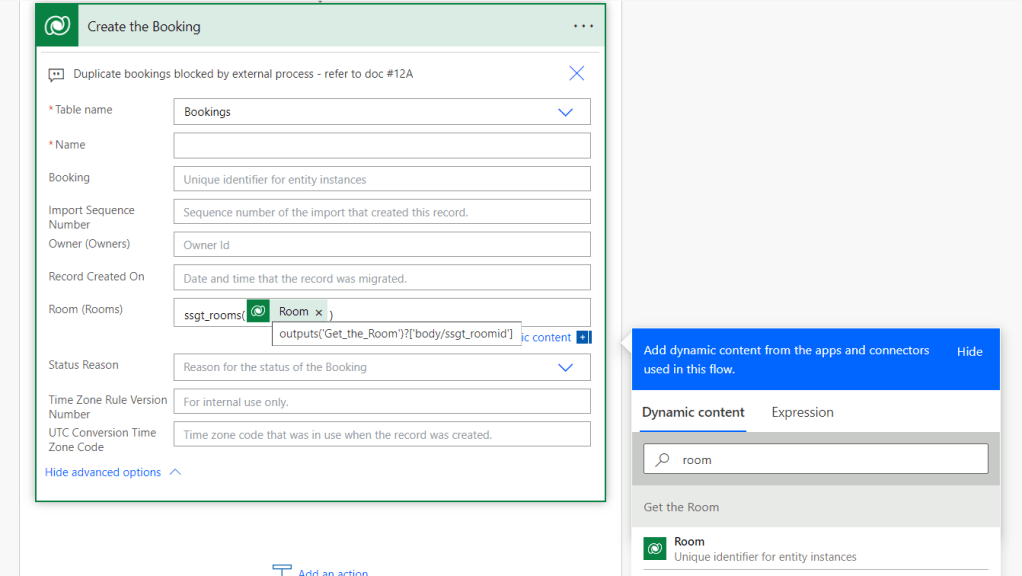
Option 1: Surround the GUID of the record (row) with the table name and some brackets:
- “ssgt_rooms(XXXXXXXX-XXXX-XXXX-XXXX-XXXXXXXXXXXX)“
- To insert it from another action, use the explorer:
Option 2: Start with the name of the table, and then add a slash (/) before the GUID of the record:
- “ssgt_rooms/XXXXXXXX-XXXX-XXXX-XXXX-XXXXXXXXXXXX”
The second way can be easier if you want to write a conditional expression to set the lookup value to be different (or null for example) depending on some condition.
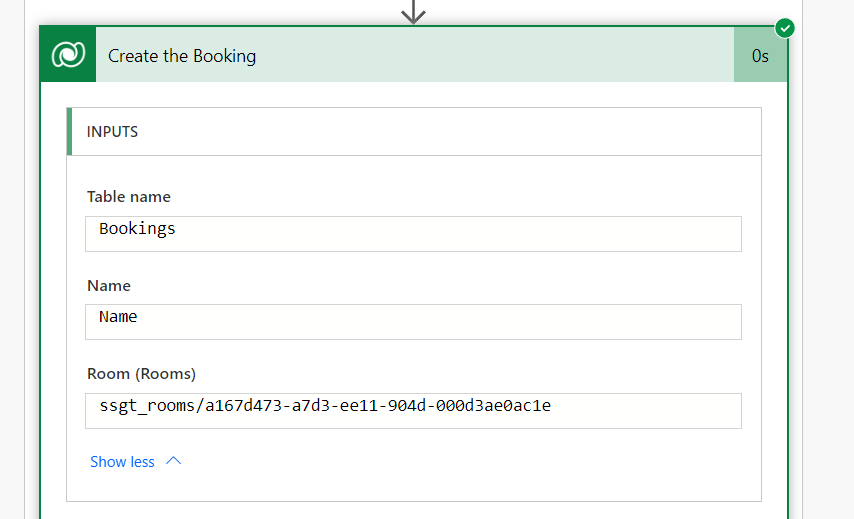
Result: Your row is created:
Common Mistakes:
- Forgetting the closing bracket
- Setting the lookup value based on something that could be null
- Not using the plural form of the table name. For example, if you tried “ssgt_room()”, you would get an error like this:
URL was not parsed due to an ODataUnrecognizedPathException. Resource not found for the segment provided in the URL.
 Solution Sergeant
Leave a comment